How to Build a WhatsApp AI Agent in 10 Minutes (2026 Guide)
A complete walkthrough for building a WhatsApp AI agent with a knowledge base, using Conduet and the WhatsApp Business Cloud API. No code required.
WhatsApp Business now has over 200 million businesses on it globally — and in Australia, New Zealand and Southeast Asia it's the dominant messaging app. If your customers are there, your AI agent should be too.
This guide walks you through building a production-ready WhatsApp AI agent on Conduet in about ten minutes. No code, no servers, no markup on LLM calls. At the end you'll have an agent that answers questions from your knowledge base, hands off to a human when needed, and deploys to the WhatsApp Business Cloud API.
What you'll need
- A Conduet account (free to start)
- A Meta Business account with a verified WhatsApp Business phone number (free)
- An OpenAI or Anthropic API key (optional, only if you're on Pro+)
- Your knowledge base as PDFs, DOCX files, or a website URL
Step 1: Create a project
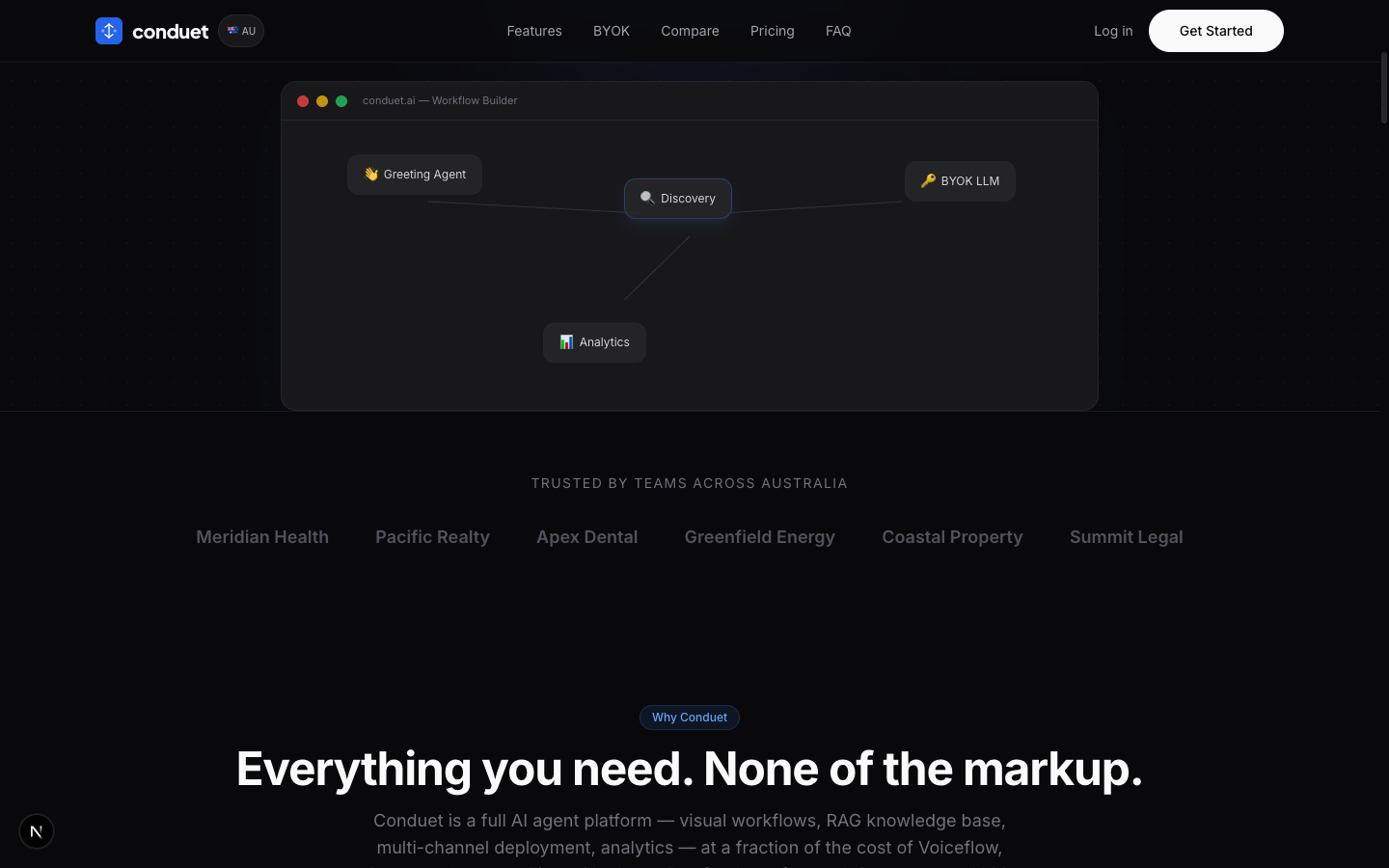
Log in to Conduet and click New project. Pick the Customer support agent template if you want a head start — it ships with a greeting, intent classifier, a knowledge-base search step, and a human-handoff path already wired up. Otherwise start blank.
Step 2: Load your knowledge base
Open the Knowledge tab and drag in your documents. Conduet supports PDFs, DOCX, Markdown, plain text, and website URLs (including sitemaps — paste https://yourdomain.com/sitemap.xml and it will crawl everything).
Behind the scenes, Conduet chunks your documents, generates embeddings with text-embedding-3-large, and stores them in pgvector. Semantic search is then available as a tool from any agent step.
Step 3: Configure the agent
Click the Agent step on the canvas. Set:
- System prompt — a paragraph about your business, tone of voice, and what the agent should never say. Example: "You are Ruby, the support agent for Kangaroo Coffee. Be warm but concise. Never discuss competitors' prices. If a customer asks about a refund, hand off to a human."
- Model —
gpt-5.4-minifor most bots. Upgrade togpt-5.4for complex reasoning. - Knowledge base — toggle on. The agent will search your docs before answering.
- Tools — enable End conversation and Hand off to human. Add any HTTP API tools you want the agent to call (order lookup, booking, etc.).
Step 4: Add WhatsApp as a channel
Go to the Channels tab, click Add WhatsApp, and paste your Meta credentials:
- WhatsApp Business Account ID
- Phone number ID
- Permanent access token (generated in Meta Business Suite)
- A verify token (make one up, you'll paste it in Meta)
Conduet will give you a webhook URL. Paste that into Meta's WhatsApp webhook config, confirm the verify token matches, and subscribe to the messages event. That's it for wiring.
Step 5: Test and publish
Hit Preview inside Conduet to chat with your agent in a simulated widget. Tweak prompts and KB chunking until it feels right. When you're happy, click Publish — Conduet snapshots your project as a version, and from that moment every WhatsApp message routes to the published version.
Send a WhatsApp message to your Business number. You should get a reply from your agent within a second or two.
What's next
- Analytics — the Analytics tab shows conversation counts, resolution rates, average message length, and top-searched KB chunks. Use these to find gaps in your knowledge base.
- Variables — collect user info (name, order number) into project variables and reference them in later steps.
- Human handoff — add an End conversation step with a label like
handoff_to_support. Wire it into your helpdesk webhook so a human picks up seamlessly. - Deploy to more channels — the same agent can go to Messenger, Instagram, WeChat and a website widget without editing the flow.
Pricing reality check
Running a WhatsApp AI agent on Conduet Free is genuinely free up to 500 messages/mo. From Pro (A$49/mo) you can BYOK and pay OpenAI/Anthropic directly with zero markup — for most bots, that means A$50–90/mo all-in.
Compare to running Fin on Intercom (~US$0.99 per resolution, ~A$1,500 for 1,000) or Voiceflow Pro (~A$77/mo software + LLM markup on top). See the full comparison.
Start building your WhatsApp agent on Conduet — free, no credit card.